
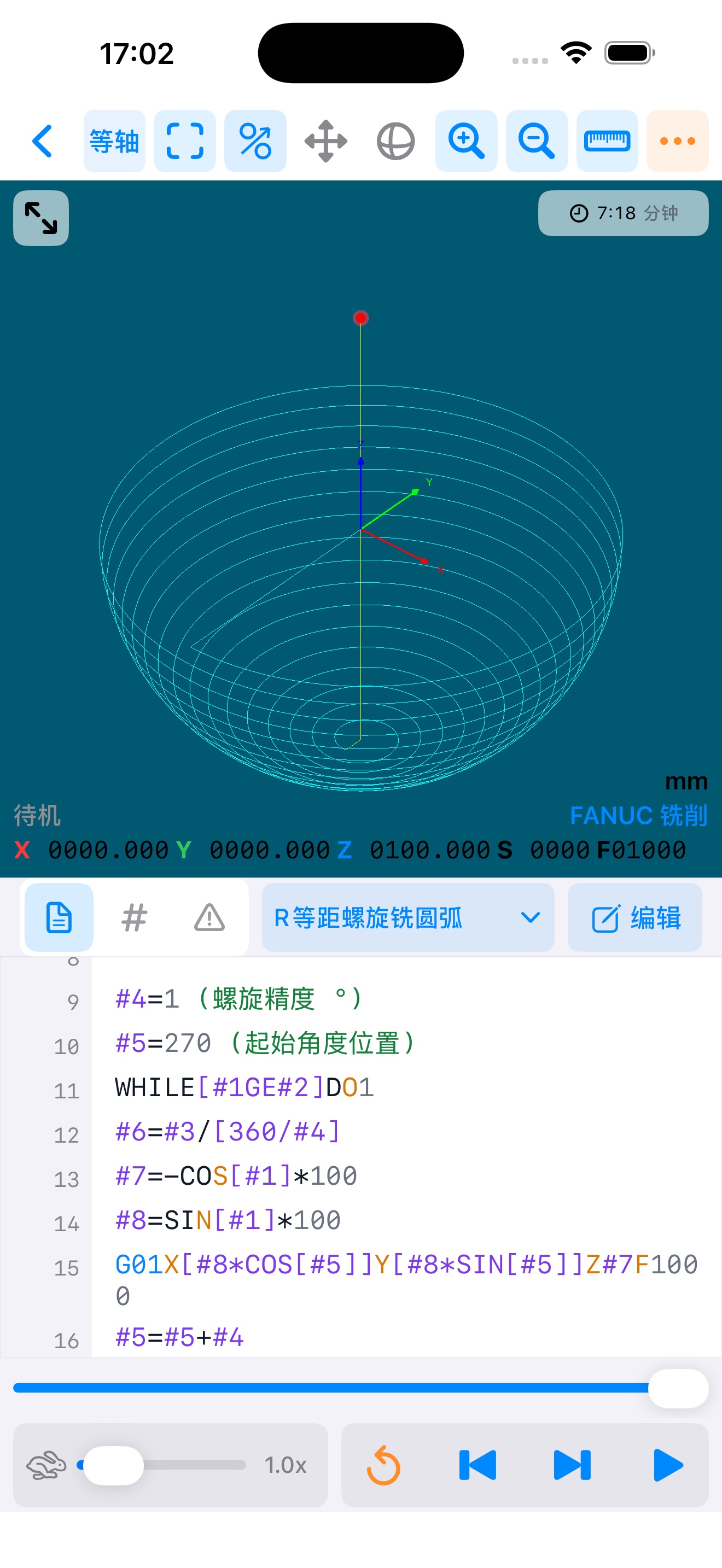
辅助刀路仿真
Toolpath Simulation显示受支持指令的轻量刀路,便于查看程序运行轨迹。
INNEXSPACE · IPHONE & IPAD
A mobile workspace for CNC programs.
管理、编辑、OCR 导入并辅助查看受支持的 CNC 刀路。面向数控从业者、制造工程师、职业院校师生和 CNC 学习者。
Manage, edit, OCR-import, and visualize supported CNC toolpaths for CNC professionals, manufacturing engineers, educators, students, and learners.
PRODUCT CAPABILITIES · 产品功能
Built for mobile CNC program workflows.
显示受支持指令的轻量刀路,便于查看程序运行轨迹。
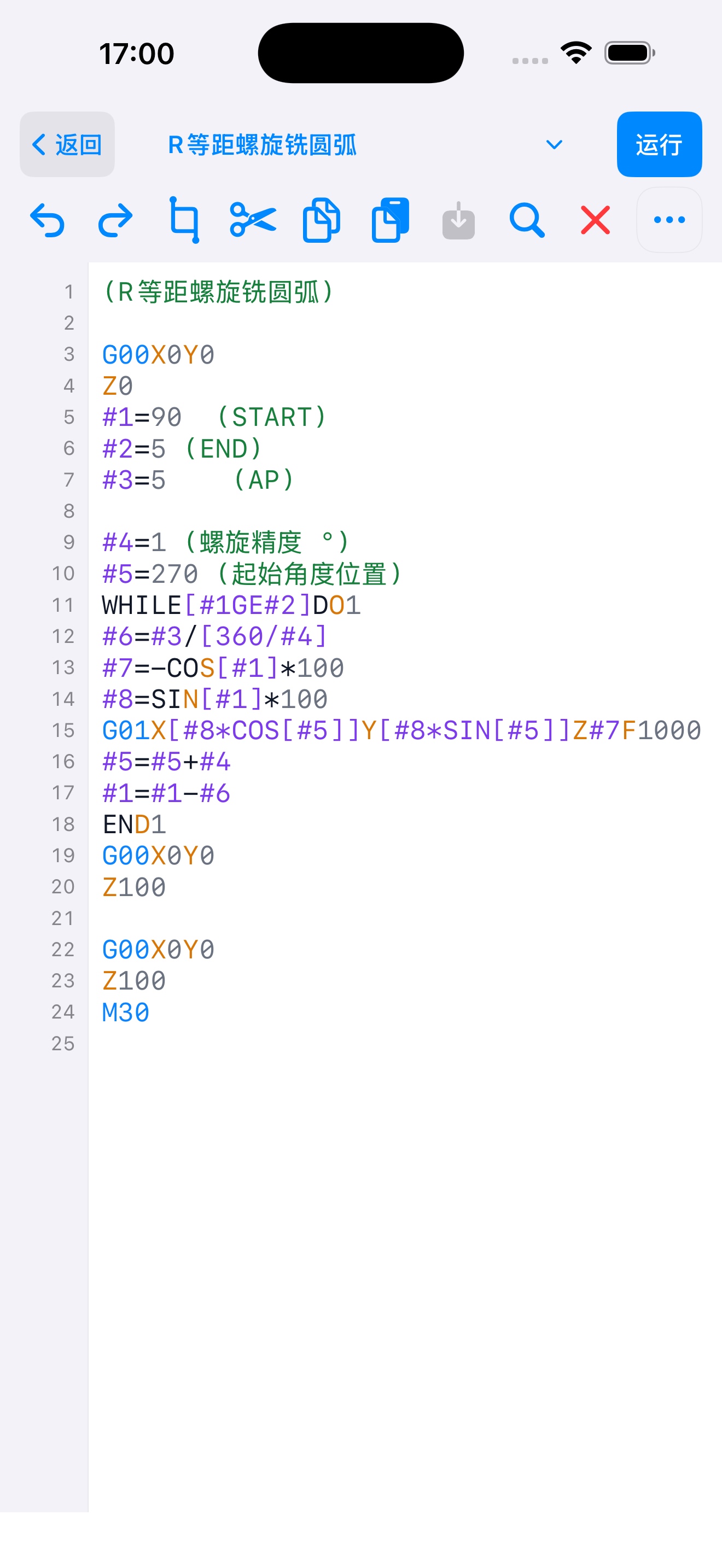
在 iPhone 与 iPad 上查看、编辑与管理 CNC 程序文本。
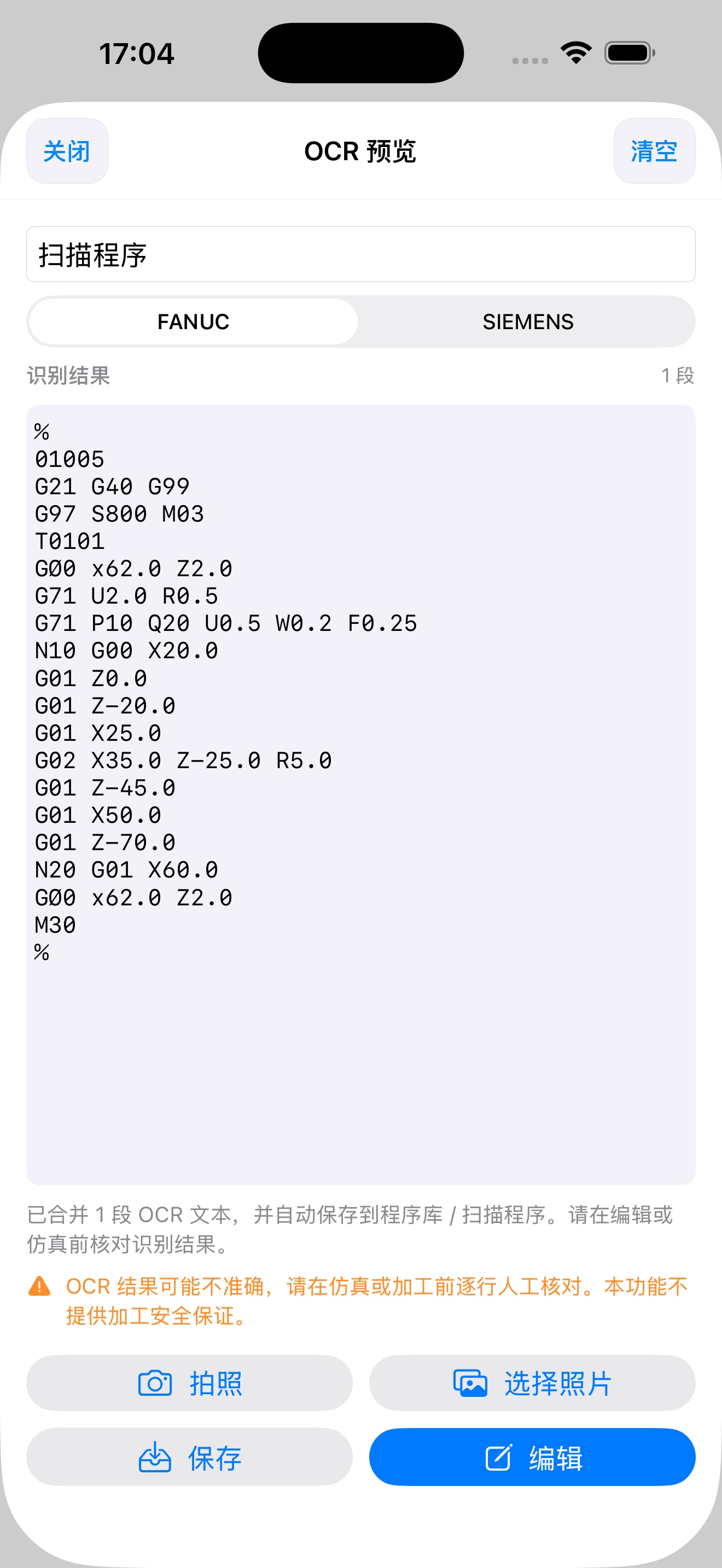
使用 Apple Vision 识别程序图片,保存前由用户人工核对。
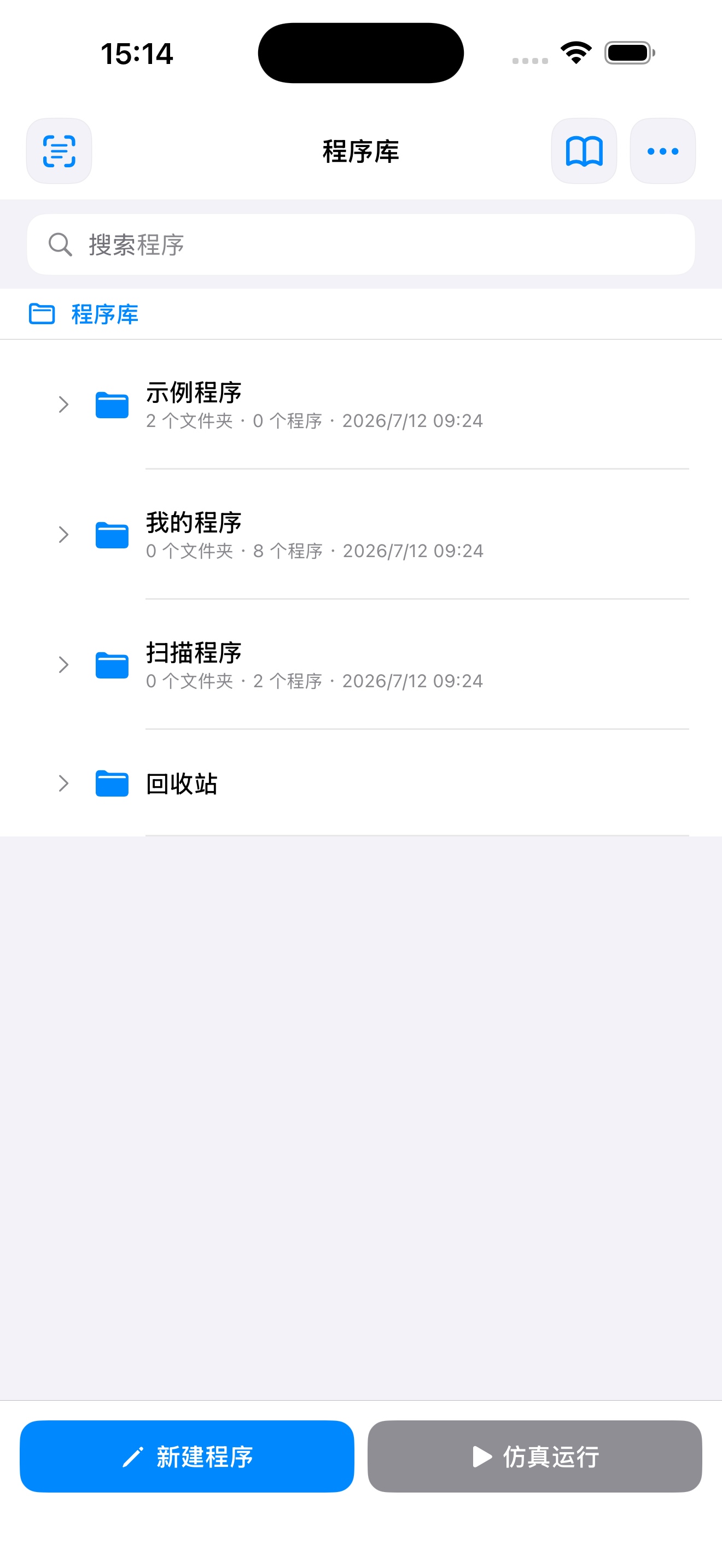
在设备本地创建、整理、导入、导出和分享 CNC 程序。
DOWNLOAD · 下载
Get CNC Path on your device.
SUPPORT · 技术支持
请说明设备型号、系统版本、操作步骤及出现的问题。请勿发送密码、验证码或不必要的敏感生产数据。
Include your device model, system version, steps, and issue. Do not send passwords, verification codes, or unnecessary sensitive production data.
CNC Path 仅提供辅助刀路显示,不提供碰撞保证、加工安全保证、过切检测或完整真实机床校验。OCR 结果和 CNC 程序必须由用户人工核对,实际加工前必须结合机床、刀具、夹具、工艺和现场规范进行验证。
CNC Path provides auxiliary toolpath visualization only. It does not guarantee collision detection, machining safety, overcut detection, or complete real-machine verification. Users must manually verify OCR results and CNC programs before machining.
FANUC 和 SIEMENS 名称仅用于说明控制系统兼容性,相关商标归各自权利人所有。CNC Path 与 FANUC 或 Siemens 不存在关联,也未获得其背书。
FANUC and SIEMENS names are used only to identify controller compatibility. Related trademarks belong to their respective owners. CNC Path is not affiliated with or endorsed by FANUC or Siemens.